The story
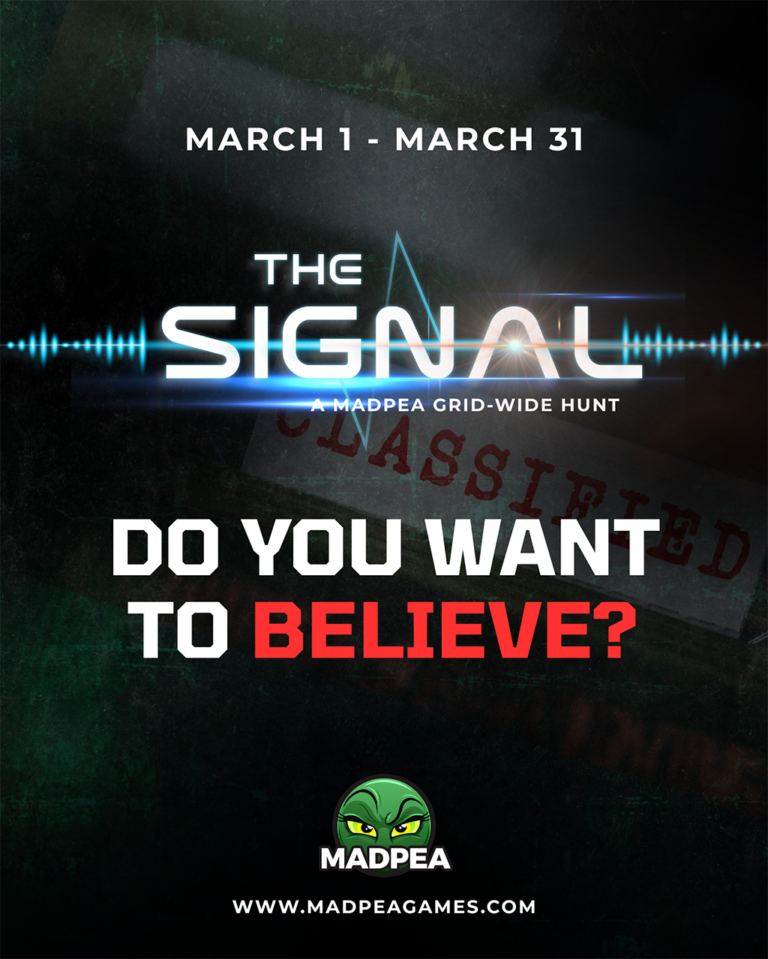
In the year 2000, a quiet fishing village called Greyhaven suffered an impossible tragedy: 42 children aged 5–7 vanished overnight without a trace.
No bodies.
No witnesses.
No answers.
The case was buried and eventually forgotten
Now, 26 years later, everything unravels.
Just days after the discovery of the 8th Unknown Device around the world, a farmer finds 42 children standing in a field, holding hands in a perfect circle.
They are, allegedly, the missing children of Greyhaven.
However, they have not aged one bit.
They are immediately taken into government custody.
The media explodes. Photos leak. Stories clash.
Conspiracy theories erupt worldwide.
Are they human?
Were they taken?
Are aliens coming?
Or have they already been here for some time…?
*Please remember Top Favorite Sims are in NO particular order.
Want to participate in the hunt as a location? Learn how to HERE
How to hunt
1
Get your Festive Fiasco hunt HUD. Remember to accept the permissions it asks!
2
Use a HUD to see all the Hunt items on the grid.
3
Teleport using the HUD to participating locations and use the HUD radar to find hunt items.
4
The more hunt items you collect, the more points you’ll earn!
And that means more points to spend on our fantastic
Collaborator prizes!
Follow these steps,
And you will be hunting in no time!
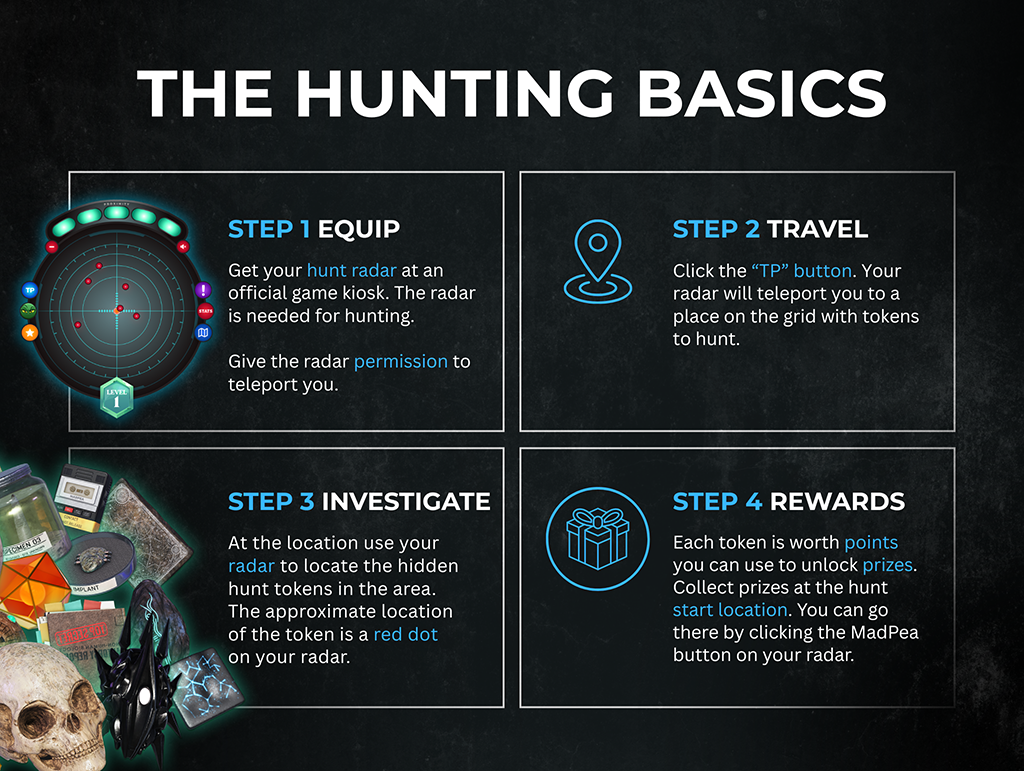
Step 1:
Get Your Game HUD. Give the HUD permission to teleport you.
Step 2:
Click the TP button. This provides a link to a location
with hunt objects to discover.
Step 3:
Hunt for items. Locate the items by using the dots on your radar.
Step 4:
Points for Prizes. Visit the Hunt Start to purchase Collab prizes with your points.
Signal Hunt HUD Information
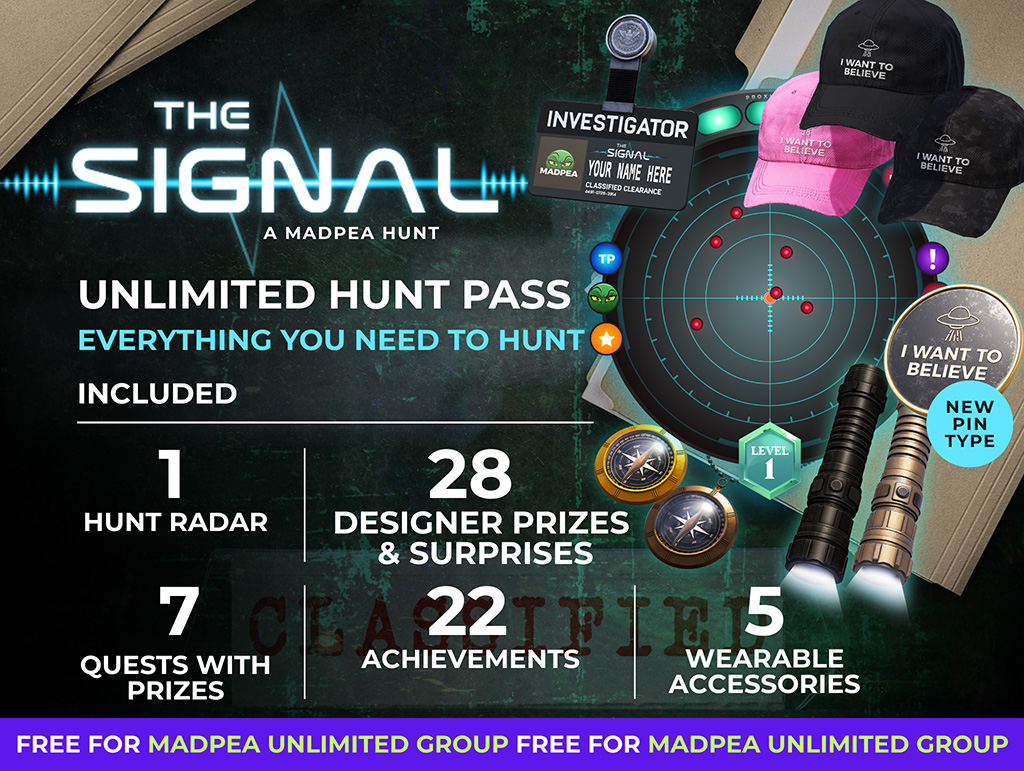
UNLIMITED HUNT PASS
Click this HUD Vendor to receive your Unlimited Hunt Pass.
This comes with everything below!
1 Hunt Radar HUD
28 Designer Prizes to collect,
22 Achievements,
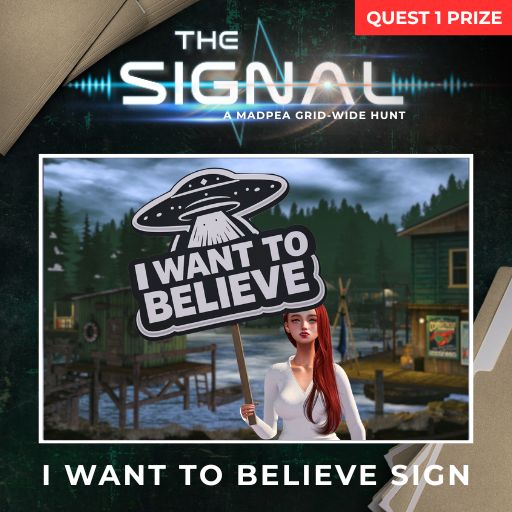
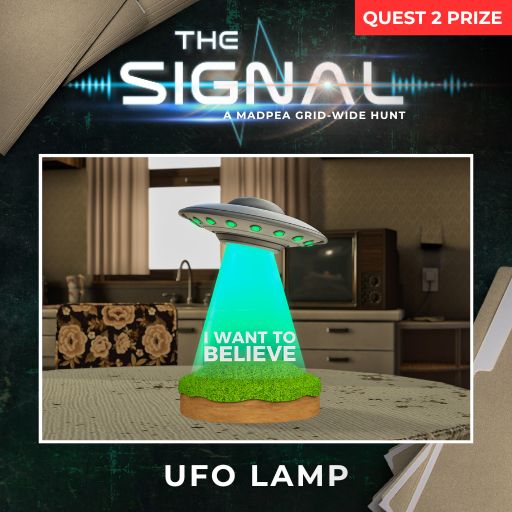
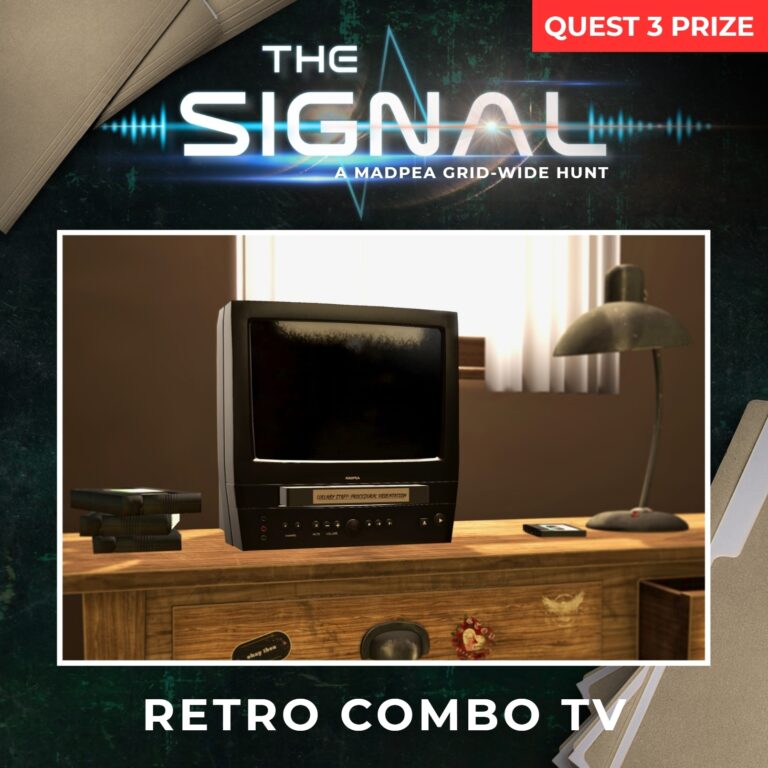
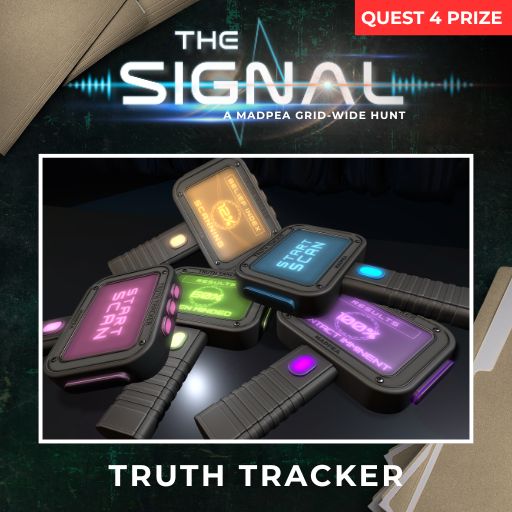
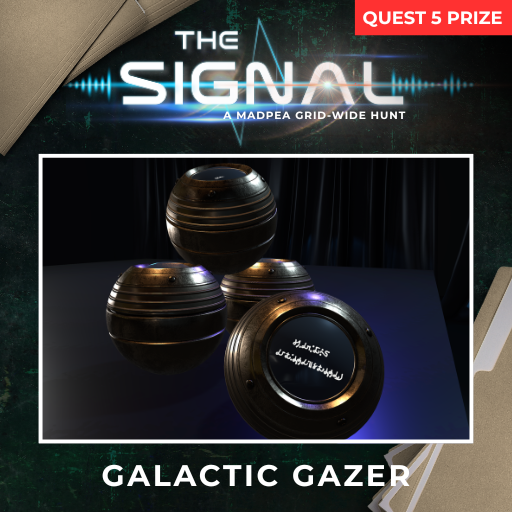
7 Quests with Prizes,
6 wearables in regular and special colour editions!
Plus an exclusive New Pin type
Be sure to watch the on-HUD tutorial to get great hunting tips.
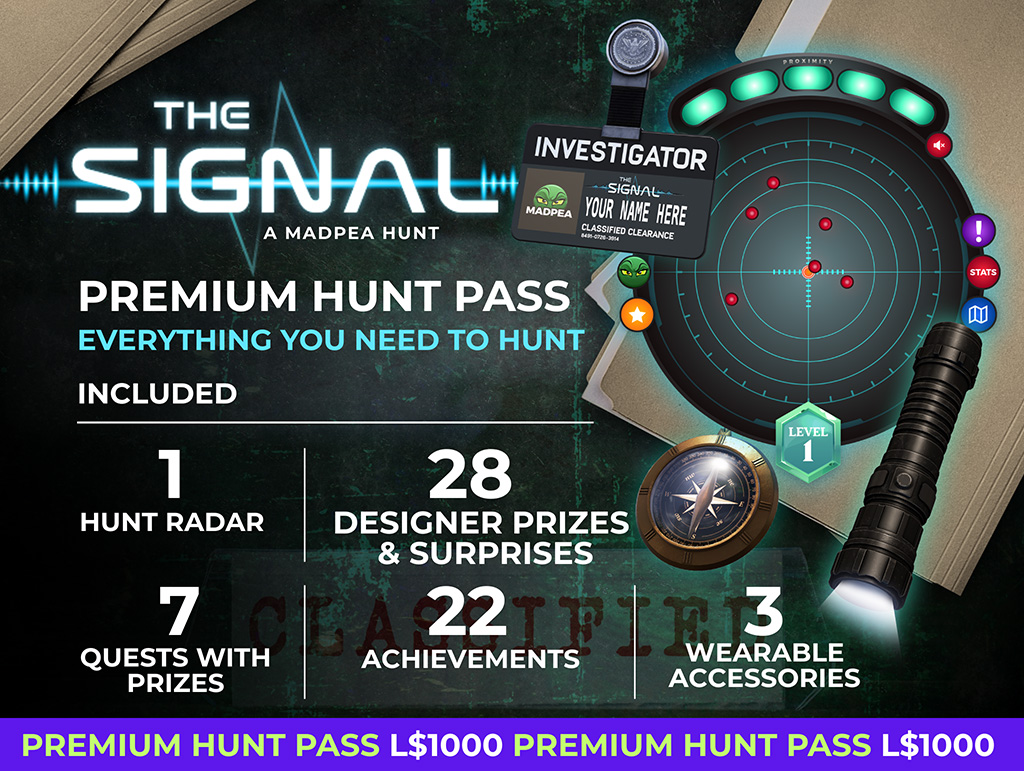
PREMIUM HUNT PASS
Purchase this HUD to receive the Premium Hunt Pass
This comes with everything below!
1 Hunt Radar HUD
28 Designer Prizes to collect,
22 Achievements,
7 Quests with Prizes,
3 wearables
Be sure to watch the on-HUD tutorial to get great hunting tips.
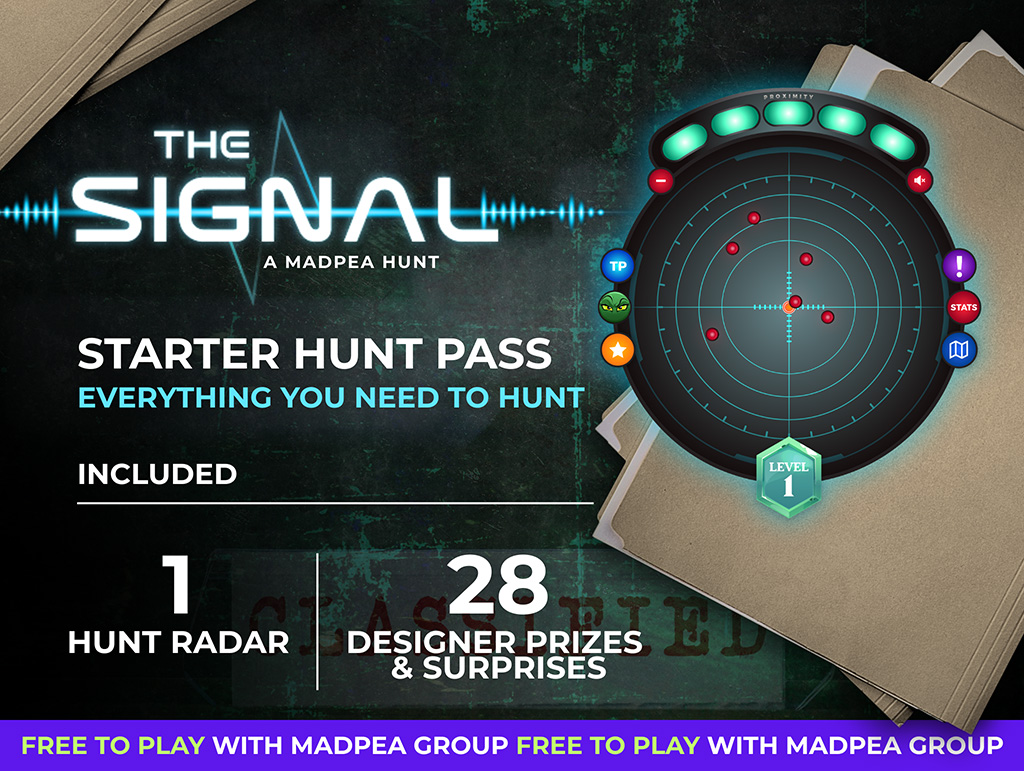
STARTER HUNT PASS
Click this HUD Vendor to get the Starter Hunt Pass.*
This comes with the
1 Hunt Radar HUD
28 incredible Designer prizes to collect.
Be sure to watch the on-HUD tutorial to get some great hunting tips!
*You must join the MadPeas group to get a free HUD
HOW TO USE THE SIGNAL HUNT HUD
The TP button will send you to a new location where you can find more hunt items.
The MadPea button gives you access to settings, support, MadPea’s social links, and the SLURL to the hunt headquarters!
Click the Favorite button to favorite a sim you have enjoyed visiting.
The Inventory Button will open a window to show how many quest items you have collected.
The Stats button gives you access to your hunter stats.
Example: hunt objects collected.
The Minimize button will make the HUD shrink to a small box on the left side of your screen.
The Indicator Lights show how close you are to a Hunt Item.
The closer you are, the more lights will be lit.
The Radar Blips show you where a hunt item is located.
Your avatar is always located in the center of the Radar Screen.
The Radar Blips that appear as triangles are either above (pointing up) or below you (pointing down).
HUNT TOKENS AND PRIZES
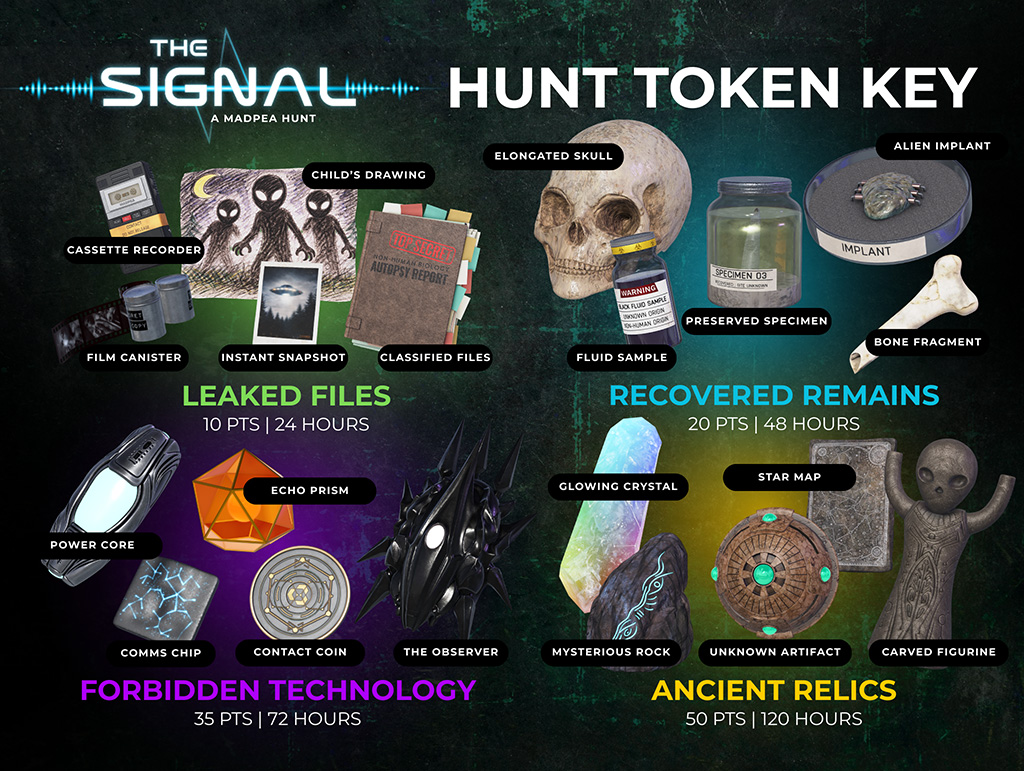
THE HUNT TOKENS ARE WORTH AS FOLLOWS
Collect the hunt tokens during the hunt.
Then use your points to get our
Collaborators’ themed prizes that are unlocked daily!
LEAKED FILES tokens are worth 10 points
RECOVERED REMAINS tokens are worth 20 points
FORBIDDEN TECHNOLOGY Tokens are worth 35 points
ANCIENT RELICS Tokens are worth 50 points
How Do I Collect The Designer Prizes?
Each day, a new Designer prize will be unlocked for you to purchase with your hunt points.
Each Designer Prize will cost 1000 Hunt points.
Please note: Gifting Designer Prizes is not available.
Designers


![[d9] GEAR Logo](https://madpeagames.com/wp-content/uploads/2026/02/d9-GEAR-Logo-768x768.jpg)


Designer Prizes


MADPEA HUNT FAQ
New prizes will be revealed each day on this page as well as on our Facebook page.
Teleport to the HUNT START AREA by using the home button on your HUD.
Absolutely! You can find them at the MadPea Mainstore, Hunt Start, or Marketplace. You can also click on your hunt objects to receive points!
Before reporting a faulty hunt object, please check the following:
Make sure the object belongs to The Signal Hunt (check the hunt object chart above).
Have you muted the object owner? If so, the object won’t react to you.
Are you close enough to the hunt object? You have to be within 5m distance from the hunt object to click on it.
Are scripts allowed on the parcel you’re on? If not, please contact our Customer Support and we’ll message the owner.
Is something in front of the hunt object? An invisible prim may be covering the part you’re clicking on.
Check that with ctrl+alt+T or right-click to touch the hunt object.
All you have to do is to keep hunting! The more hunt objects you find and the more locations you visit,
the more achievements you will receive.
To check which achievements you have, visit our Player Portal.
They are just fun add-ons for you to have.
All that you need for hunting is the HUD.
Each time you click on the TP button to get a new location you will see the location rating and can choose which ones you want to visit.
MadPea is not responsible for the locations. Anyone can buy a hunt object and rez it on their land.
If you can’t enter a region, you should contact the owner to solve the issue yourself, MadPea, unfortunately, can’t help you there.
We suggest you click on the TP button to go to a different location.
Possible reasons for not being able to enter a region:
You are banned
The region you’re trying to enter requires payment information on file
The region might be offline
You don’t have moderate or adult regions enabled
First, check if there are scripts allowed on the parcel you’re on. If not, please contact our Customer Support and we’ll message the owner.
The hunt object might have recently died too. Use the? button for a new location.
It could be that the hunt object has just expired! Click on your radar, it will refresh.
Make sure that the hunt object is not above or below you. Arrows at the bottom of the radar on the compass will point up when it is above you and down when it is below you.
MADPEA HUNT RULES
The environments you are visiting do not belong to MadPea Productions. They belong to the respective landowners. Thus, do not grief their customers, visitors, members, or residents. Do not break their posted rules.
When you are playing, we would appreciate it if you wore either the MadPeas or MadPea Unlimited Group Tag.
Unless otherwise instructed to do so, do not rez or lay any objects from your inventory at any of the locations you will visit in the game.
We are aware that Second Life has its own issues that we can not control, such as location logouts, reboots, or lagging and crashing. Should anything happen beyond our control that disrupts or halts the hunt, we will announce it via group notice at the first possible opportunity, providing further instructions relevant to the issue.
Do not harass other hunters or Sim owners, do not instigate conflicts, and if you get stuck, do not whine and complain in group chat. Doing any of these actions will result in the revocation of your chat rights.
You are allowed to communicate in the group chat and help each other out. You are however NOT allowed to give out direct slurls to the hunt objects.
First, try our MadPeas OR MadPea Unlimited group chats in-world, you might get your answer fastest there or you can contact our Customer Support.